How to build a 3D website
Two honest paths to a 3D website, with real code, asset prep and performance numbers measured on our own sites.
There are two ways to build a 3D website, and they need very different amounts of work. You can add one 3D model to a site you already have: a product people can turn, a sculpture, a chair. That takes an afternoon. Or you can design a site around real-time 3D, where the scene carries the story and scrolling or pointing changes it. That is a design project with code at its core.
This guide covers both, in the order we work. The examples are eight concept sites made by the Laarpi team with Laarpi's library and process. The same library sits behind Laarpi's 3D website builder. The code excerpts are ones we ran in a browser before publishing, and the file sizes and load times are measured, with dates.
Which path you need
| You want | Path | Tools | Typical effort |
|---|---|---|---|
| One product or object people can rotate | A: add a model | model-viewer, one GLB | Hours |
| A model that reacts to scroll on one section | A, then a little of B | three.js, one GLB | Days |
| A page whose story is told in 3D | B: design around 3D | three.js, GSAP or your own scroll code, shaders | Weeks |
| An experience people play or explore | B | three.js, physics, audio | Weeks to months |
If you are unsure, start with Path A. A good single model on a fast page beats an ambitious scene that loads for twenty seconds.
Path A: add a 3D model to an existing site
1. Get a glTF file
glTF 2.0 is the web's 3D format. Use the binary .glb form: one file with geometry, materials and textures inside. In Blender, choose File, Export, glTF 2.0, and pick "glTF Binary". Apply transforms first, keep the model at real-world scale in metres, and bake procedural textures into image textures, because the exporter keeps standard Principled BSDF materials but not procedural node setups.
If you don't have a model, the CC0 libraries in the asset table further down are a good place to start.
2. Compress it
Raw scans and exports are far too heavy for a web page. We use glTF Transform's command line tool, which runs through npx without a global install:
npx @gltf-transform/cli optimize input.glb output.glb \
  --compress meshopt --texture-compress webp --texture-size 1024
That is the exact command behind two of our sites:
| Asset (source, licence) | Before | After | Settings |
|---|---|---|---|
| Moon Rock 03 boulder (Poly Haven, CC0), used in HADAL | 1.47 MB | 185 KB | meshopt, WebP, 1024 px textures |
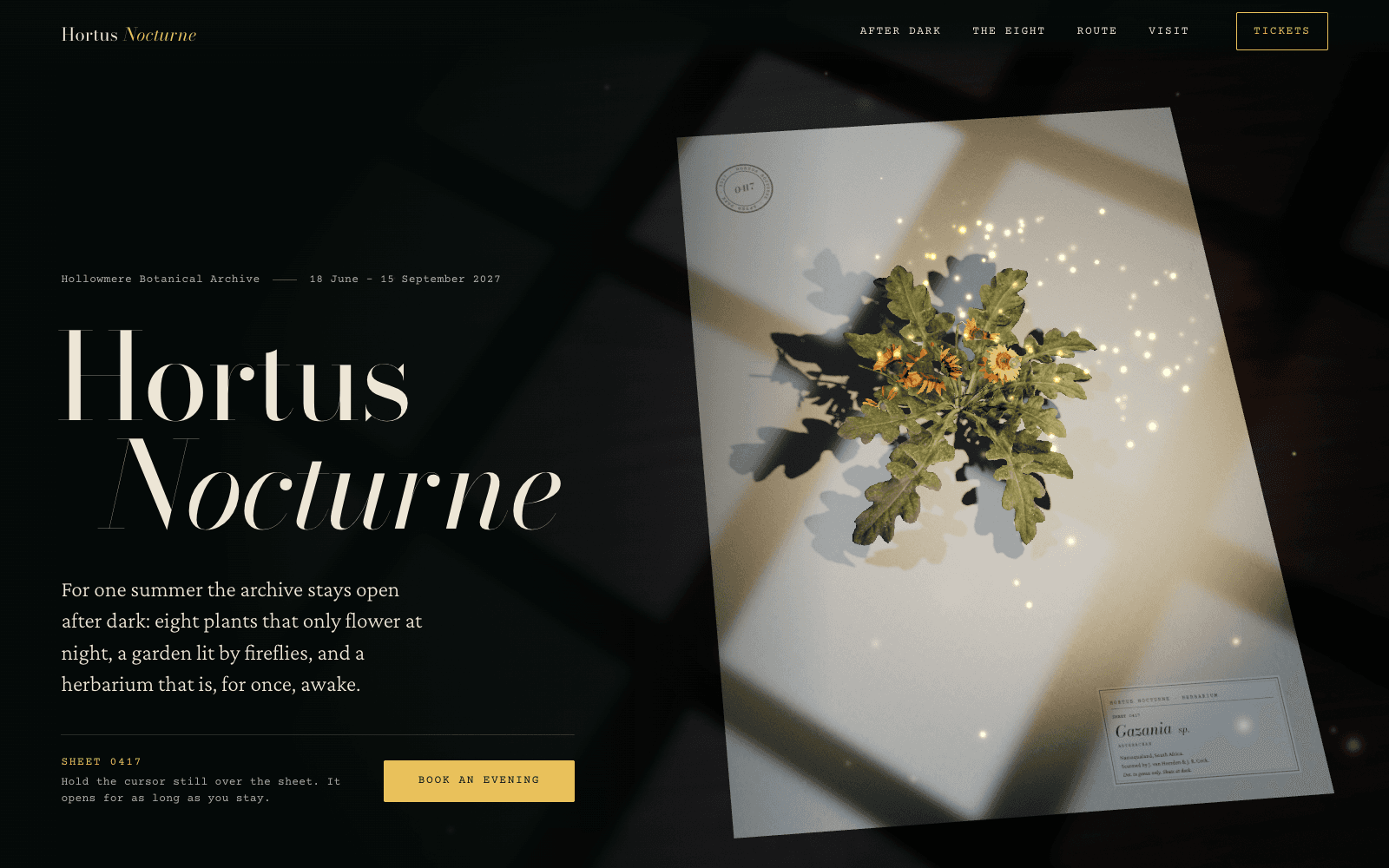
| Flower Gazania scan (Poly Haven, CC0), used in Hortus Nocturne | 4k glTF source | 1.15 MB | meshopt, WebP, 2048 px textures |
The gazania stays at 2048 px because it is the whole subject of its page and the camera gets close. The boulder is a detail on a seabed, so 1024 px is plenty. Choose texture size by how large the object is on screen, not by what the source offers.
3. Embed it
For one object people can turn, Google's open-source model-viewer component is the shortest route. This runs as written (version 4.3.1, checked on 6 October 2026):
<script type="module">
  import "https://cdn.jsdelivr.net/npm/@google/[email protected]/dist/model-viewer.min.js";
  // only needed for meshopt-compressed files; Draco works out of the box
  customElements.get("model-viewer").meshoptDecoderLocation =
    "https://cdn.jsdelivr.net/npm/[email protected]/meshopt_decoder.js";
</script>

<model-viewer src="assets/rock.glb" poster="assets/rock.webp"
  alt="A dark volcanic boulder, scanned from a real rock"
  camera-controls touch-action="pan-y" loading="lazy" shadow-intensity="1"
  style="width: 100%; height: 60vh"></model-viewer>
Three attributes do most of the work:
postershows a still image until the model is ready. Render it from the model itself so the swap is invisible.touch-action="pan-y"lets a phone user scroll past the model with a vertical swipe. Without it, the model captures every touch and the page feels stuck.altdescribes the object for screen readers. Write what someone would need if they couldn't see it.
4. Check it like a visitor
Load the page on a real phone over mobile data, not office wifi. Scroll past the model with one thumb. Tab to it with a keyboard and see whether focus is visible. Turn on reduced motion in your system settings and check that nothing spins on its own. If any of those fail, fix them before adding anything else.
Path B: a site designed around 3D
This is the kind of site we build. It takes longer, and the order matters more than the tools.
1. Start with one sentence, not an effect
Write what the site is about in one sentence, then ask what the 3D does for that sentence. If the answer is "it looks impressive", stop.
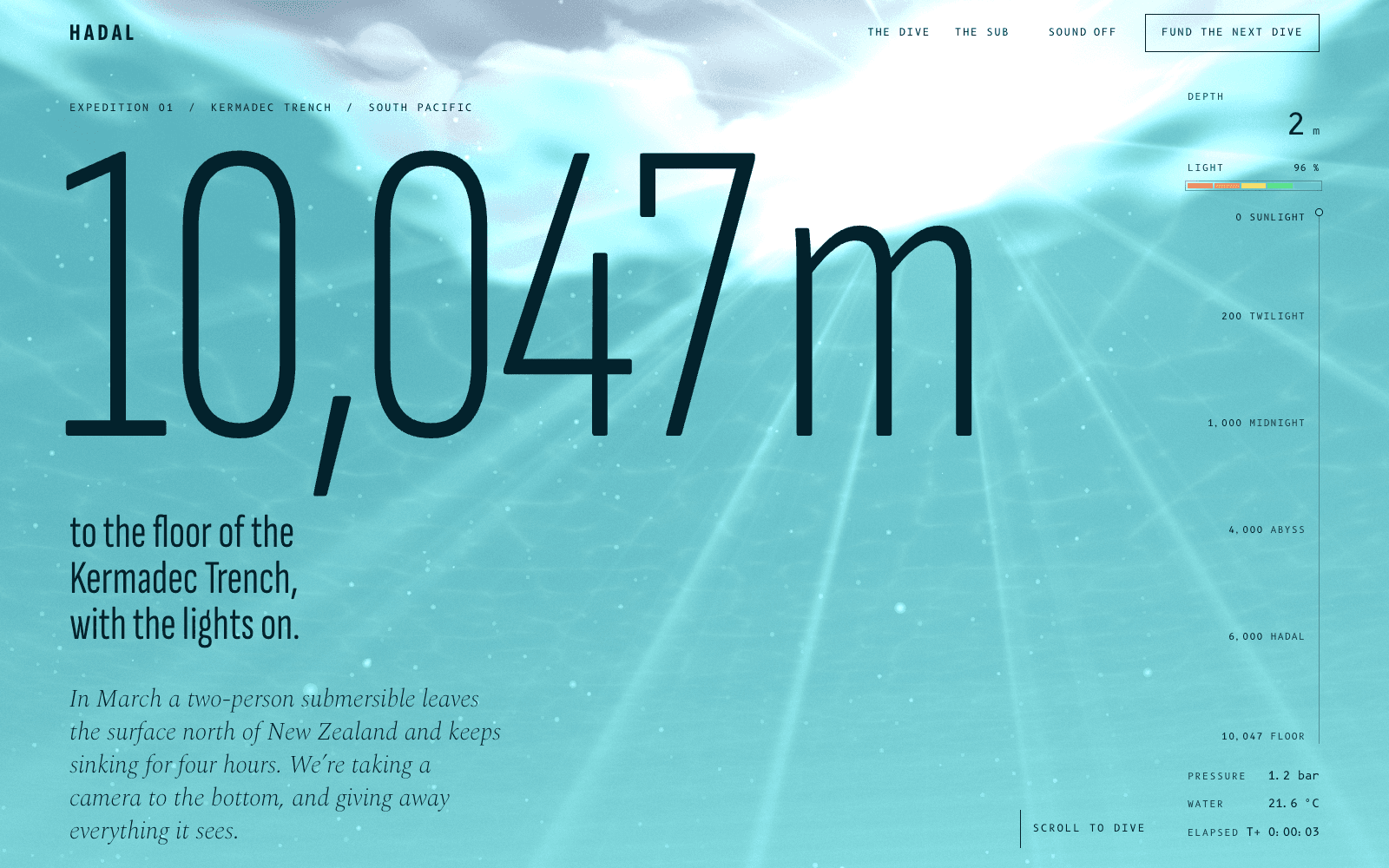
HADAL is a concept site for a fictional deep-sea expedition. Its sentence: the sea takes red first, then all of the sun, and below 1,000 metres the only light is what animals make and the lamp you hold. So scrolling is the dive, the water colour is computed from your depth, and at 1,000 m the cursor becomes the submarine's lamp. Every decision follows from the sentence. (The full write-up.)
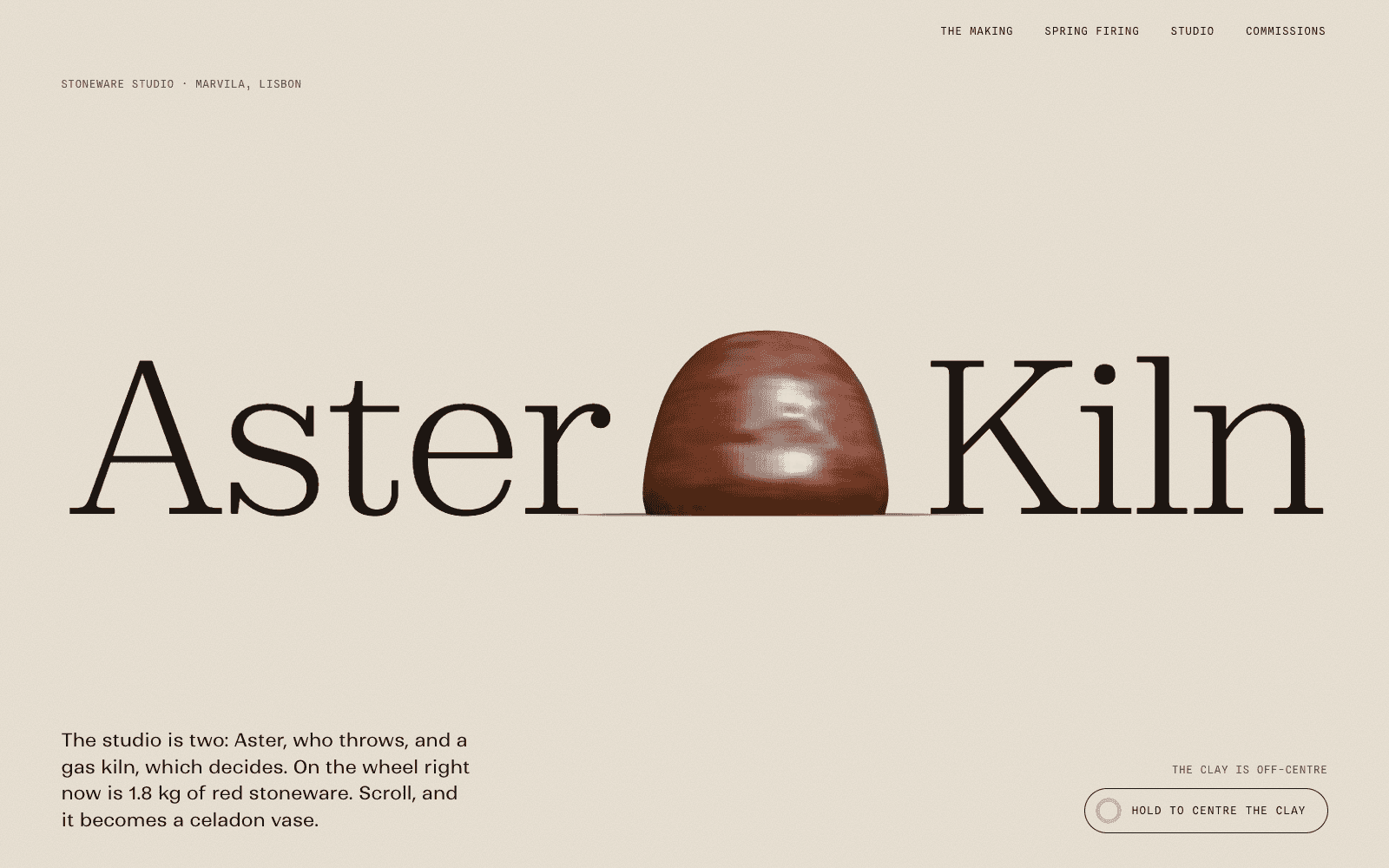
Aster & Kiln is a concept site for a ceramics studio. Its sentence is about the making that justifies the price. So scroll throws a stoneware vase on the wheel and fires it to 1280 °C behind a kiln spyhole. (The full write-up.)
2. Decide what the 3D is made of
A scene can be built from downloaded assets, generated in code, or both. The choice sets the page's weight.
| Site | What the 3D is | Where it comes from | Sent on our phone profile |
|---|---|---|---|
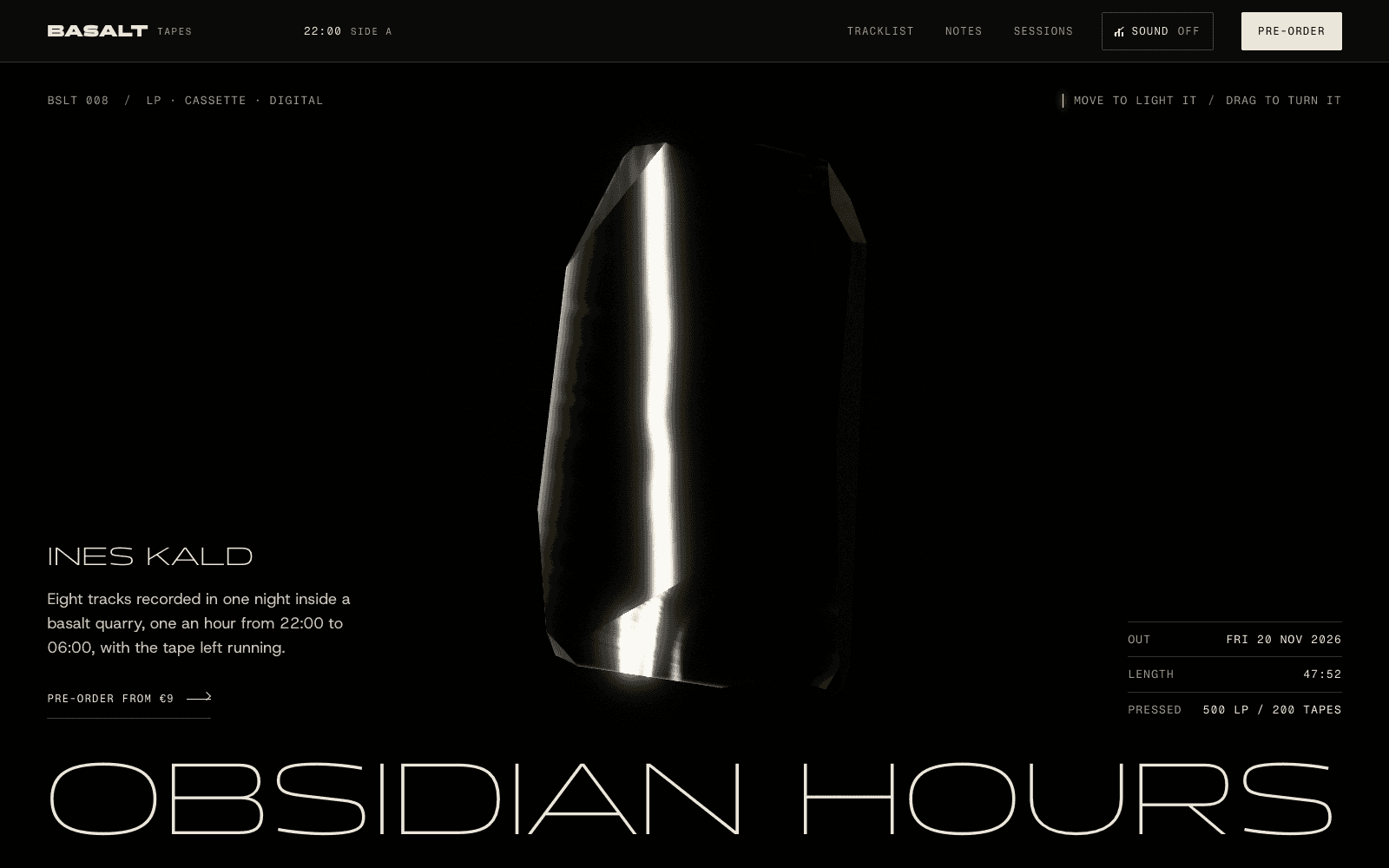
| BASALT | An obsidian slab that breaks into eight shards | All code: no images, models or lighting files | 299 KB |
| HADAL | Water, light and animals, then a seabed | Code, plus a scanned boulder and seabed loaded near the floor | 369 KB before the first frame |
| Meridian M-01 | A hand-wound watch movement | Code at true millimetre scale, one studio HDRI | 1,712 KB |
| Hortus Nocturne | A flower that wakes from a pressed sheet | A photoscan, plus paper and walnut textures | 1,979 KB |
Code-built geometry is light and exact: Meridian's going train uses real gear ratios, and its wheels are generated from their tooth counts. Scans bring a realism you can't model by hand, at a cost in bytes. Hortus Nocturne's flower is a scan because a pressed herbarium specimen has to look like a real plant.
What you should never do is build a real thing out of spheres and boxes. A sea creature made of primitives looks rubbery. HADAL's animals are drawn in light only, with contour lines and photophores, and that is why they read as real.
3. Source assets you're allowed to ship
| Source | What | Licence |
|---|---|---|
| Poly Haven | HDRIs, PBR textures, scanned models | CC0 |
| ambientCG | PBR materials, HDRIs | CC0 |
| Smithsonian Open Access | Scanned museum objects | CC0 where the item says so |
| Sketchfab | Models of every kind | Per model; CC-BY needs a credit, NonCommercial is out |
Start with Poly Haven, ambientCG and Smithsonian Open Access. Keep a credits file in the project and a credit line on the page, even for CC0 work. Each of our concept sites lists its third-party scans, textures, HDRIs, fonts and libraries, with authors and licences, on its community page.
4. Light it
Most flat-looking 3D is badly lit, not badly modelled. An HDRI, a panoramic photo of real light, gives reflections and soft shading in one file. Two cautions from our builds:
- HDRIs are heavy. The 1k studio HDRIs on our sites are about 1.5 to 1.6 MB each. We tried halving PATCH-01's to 512 px and compared renders pixel by pixel: no visible change, so it now ships at 512 KB instead of 1.49 MB. The same test failed on Aster & Kiln's wet clay and on Meridian's mirror-polished parts, so those keep the 1k file.
- Grade the light for the story. PATCH-01's studio light is graded at runtime into a black room. BASALT uses no photo at all: its reflections come from a calculated night with one soft cold light, so no studio window ever lands on the glass.
5. Tie the camera to scroll, and keep it reversible
On a 3D scroll site, scroll position should drive state, not trigger timers. Aster & Kiln's vase is one mesh turned from a 256-point profile, and the profile morphs through eight states as you scroll. Because every state is a function of scroll position, the page can run backwards cleanly, which is what its "Throw it again" button does.
Cursor interaction needs a job too. HADAL's lamp reveals animals only where the beam falls. A cursor that just tilts the scene a few degrees adds motion without meaning.
6. Keep real text in the page
Headlines, copy, prices and buttons belong in the HTML, laid out on a grid, with the 3D framed into the spaces between them. Never draw words into the canvas as the only copy. PATCH-01's module is framed into boxes in the layout so it never runs under the text. This also keeps the page readable to search engines and screen readers.
7. A minimal scene that does the basics right
This is the skeleton we start from, trimmed to fit a guide. It loads a compressed GLB, lights it with a generated studio environment, caps resolution on phones, compiles shaders before the first frame, stops drawing when the canvas is off screen, and renders one still under reduced motion. It runs as written with three.js r186.1:
<canvas id="scene" aria-hidden="true" style="width: 100%; height: 70vh; display: block"></canvas>
<script type="importmap">
{ "imports": {
  "three": "https://cdn.jsdelivr.net/npm/[email protected]/build/three.module.js",
  "three/addons/": "https://cdn.jsdelivr.net/npm/[email protected]/examples/jsm/"
} }
</script>
<script type="module">
import * as THREE from "three";
import { GLTFLoader } from "three/addons/loaders/GLTFLoader.js";
import { MeshoptDecoder } from "three/addons/libs/meshopt_decoder.module.js";
import { RoomEnvironment } from "three/addons/environments/RoomEnvironment.js";

const canvas = document.getElementById("scene");
const reduced = matchMedia("(prefers-reduced-motion: reduce)").matches;
const touch = matchMedia("(pointer: coarse)").matches;

const renderer = new THREE.WebGLRenderer({ canvas, antialias: true });
renderer.setPixelRatio(Math.min(devicePixelRatio, touch ? 1.5 : 2));
renderer.setSize(canvas.clientWidth, canvas.clientHeight, false);
renderer.toneMapping = THREE.ACESFilmicToneMapping;

const scene = new THREE.Scene();
const pmrem = new THREE.PMREMGenerator(renderer);
scene.environment = pmrem.fromScene(new RoomEnvironment(), 0.04).texture;
const camera = new THREE.PerspectiveCamera(35, canvas.clientWidth / canvas.clientHeight, 0.1, 100);
camera.position.set(0, 0.3, 3);

const loader = new GLTFLoader().setMeshoptDecoder(MeshoptDecoder);
const { scene: model } = await loader.loadAsync("assets/rock.glb");
const box = new THREE.Box3().setFromObject(model);
const fit = 1.6 / box.getSize(new THREE.Vector3()).length();
model.scale.setScalar(fit);
model.position.copy(box.getCenter(new THREE.Vector3())).multiplyScalar(-fit);
scene.add(model);

await renderer.compileAsync(scene, camera); // compile shaders before the first frame

let onScreen = true;
new IntersectionObserver(([e]) => (onScreen = e.isIntersecting)).observe(canvas);

function draw(t) {
  if (!reduced) model.rotation.y = t * 0.0002;
  renderer.render(scene, camera);
}
if (reduced) draw(0); // one composed still, no loop
else renderer.setAnimationLoop((t) => { if (onScreen && !document.hidden) draw(t); });

addEventListener("resize", () => {
  renderer.setSize(canvas.clientWidth, canvas.clientHeight, false);
  camera.aspect = canvas.clientWidth / canvas.clientHeight;
  camera.updateProjectionMatrix();
  if (reduced) draw(0);
});
</script>
For a production site, bundle three.js and serve it from your own origin instead of a CDN. On our sites that one change removed several connection setups from every cold load.
8. A loader that tells the truth
A real 3D page needs a few seconds on a slow phone, so show progress that is real: bytes actually received, shaders actually compiled, the first frame actually drawn. Skip the loader entirely when everything is ready in under about 300 ms, and keep the page's text in the document underneath so nothing is gated on WebGL.
Make the loader part of the idea. HADAL's starts just under the surface, looking up through the circle of sky that refraction squeezes overhead, and the circle sharpens as the real progress counts up. At 100 % it opens into the first scene.
9. Design the reduced-motion version on purpose
Some visitors ask their system for less motion. Give them a composed still for each part of the story, not a broken page with animation switched off. Aster & Kiln replaces its scroll-driven making with section drawings of each step and a still render of every pot. Accessible motion covers this in detail.
Set a performance budget before you start
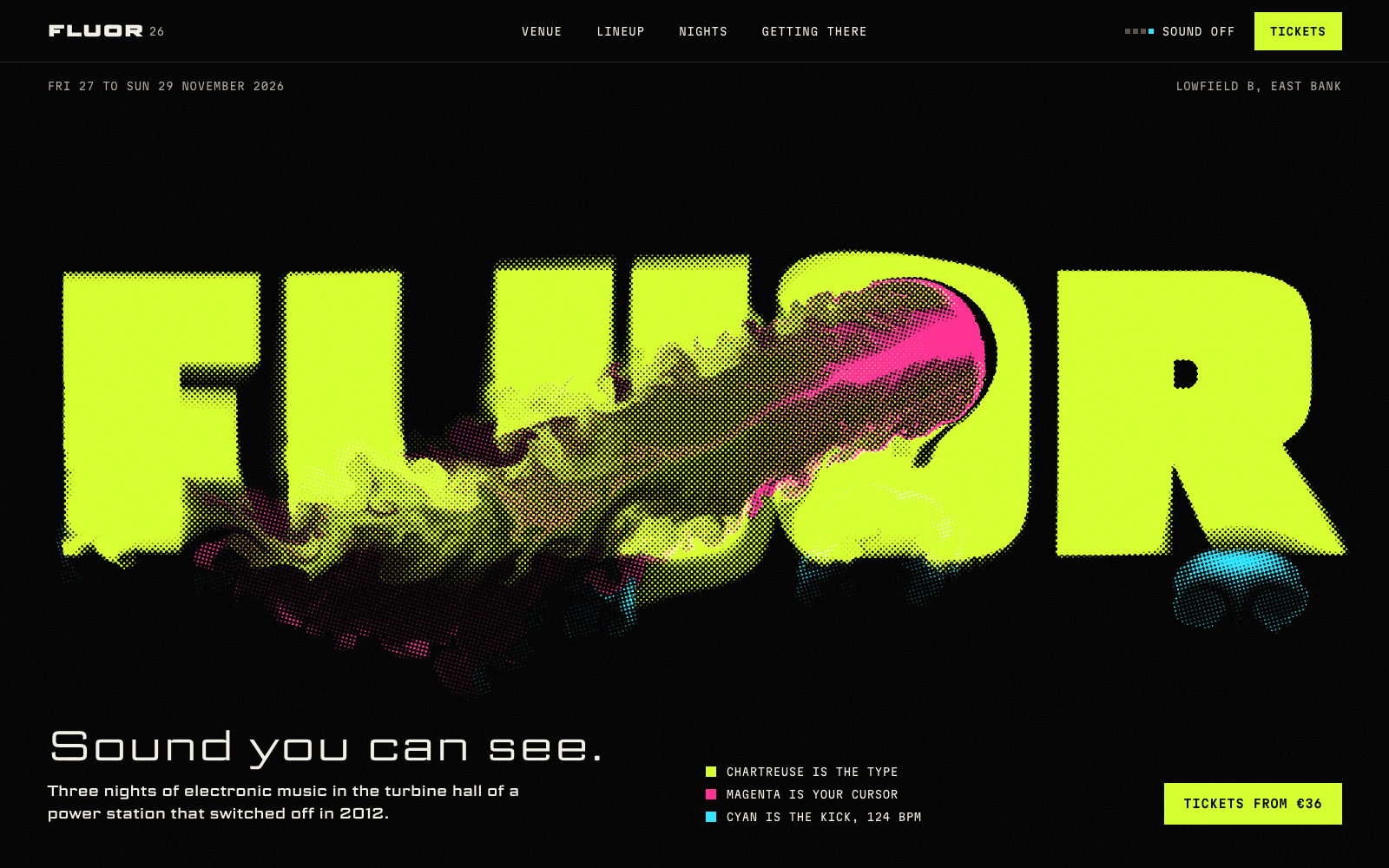
Decide how long a phone may wait for the first full frame, then design within it. On 6 October 2026 we measured all eight of our concept sites cold on a phone profile: slow 4G at 1.6 Mbps, a 150 ms round trip, and the CPU slowed four times. The code-built scenes drew their first frame in 3.1 s (BASALT), 3.8 s (HADAL) and 4.6 s (FLUOR). The scan-heavy and shader-heavy scenes took 7.8 to 13.1 s, and our heaviest, a coastal scene with a live smoke simulation, took 31.1 s. A loader with real progress covers that wait. It doesn't make it short.
3D website performance has the full table, where the time goes, and the fixes that halved several of those numbers. WebGL for designers explains the vocabulary.
A checklist before you ship
- The 3D has a job you can say in one sentence.
- Every asset is glTF or WebP, compressed, sized for how big it appears, and credited.
- The text is real HTML, on a grid, never under the 3D.
- The page shows its content if WebGL fails.
- A loader shows real progress and skips itself on fast loads.
- Resolution is capped, and drawing pauses off screen and in hidden tabs.
- Reduced motion gets composed stills, and nothing flashes.
- Keyboard and touch can reach everything that carries information.
- You have loaded it cold, on a phone, over mobile data.
Doing it with Laarpi
Everything above is Path B as we practise it, and it is the work Laarpi exists to take on: from a described idea to the scene, the scroll, the loader and the fallbacks, in one place. The concept sites in this guide were made by our team with Laarpi's library and process. They were not produced end to end by SI, Laarpi's website agent, which works from the same library. Sites SI builds on its own carry a "Built by SI" label with their build time and cost. The 3D website builder page covers the product side.