Laarpi vs Framer
A fair, dated comparison of Framer's design canvas and Laarpi's describe-and-direct agent, with sources for every Framer fact.
The short answer. Choose Framer if you want to design every element yourself on a canvas, run a CMS with a team of editors, or bring an existing site over with an importer. Choose Laarpi if you would rather describe the site and direct it than draw it, and the idea calls for real-time 3D and motion planned into the concept, with sign-in, forms or checkout on accounts you own.
Framer is a design tool that added an agent. Laarpi starts from the agent. That difference decides most of what follows.
| Compared | Laarpi | Framer |
|---|---|---|
| What it is | A website agent, SI: you describe the site and direct it | A visual design canvas with an AI agent, CMS and hosting |
| How you work | Answer a few questions, edit the brief, then direct the build in chat or by pointing at the page | Prompt the agent, then refine on the canvas: breakpoints, components, effects |
| Real-time 3D | three.js scenes written for the concept, with a still version for reduced motion | Through code components (its agent can build them) or embeds |
| Bring an existing site | Paste the copy and attach images as references; no importer | Its agent recreates pages and CMS content from a live site, an export or a reference |
| Code | Plain HTML, CSS and JavaScript you can read and edit in the studio; download is planned | No HTML export for self-hosting, per Framer's help centre |
| Sign-in, forms, payments | Supabase sign-in and forms, Polar checkout, on your own accounts | Not listed as plan features; added with plugins, embeds or code |
| CMS and editors | No CMS; changes go through SI | CMS collections on every plan; paid designer and content-editor seats |
| Hosting and domains | A laarpi.site address; custom domains on paid plans | Framer hosting; a custom domain on paid site plans |
| Paid plans from | $25 a month, or $20 a month billed yearly, per account | $10 a month per site, billed yearly |
Every Framer fact on this page comes from Framer's own pricing, product and help pages, checked on 6 October 2026, and each is listed in the sources. Laarpi is in private beta; its column describes only what ships today. Both products change often, so check the sources before you decide.
How you work: a canvas, or a brief you direct
Framer
Framer's agent creates pages, navigation, sections, type, colours, images and layout from a description or a reference. It can update copy and structure across a whole site, build custom components, handle breakpoints, write SEO metadata, create CMS collections and audit a site for broken links and accessibility issues. Everything it makes stays editable on the canvas.
The canvas is the centre of gravity. You see the layout and adjust it directly, the way you would in a design tool. Framer also connects external agents such as Claude, Cursor and Codex to a project, so a developer can work on the same site from their own tools.
Laarpi
You describe the site in a few sentences. Laarpi's agent, SI, asks the few questions that change the result, as cards with concrete options: palette swatches, type specimens, a choice between two structures. Then it writes the brief: the concept, palette, type, sections and motion. You can edit any line before it builds.
SI builds the site as code, live in the preview. It screenshots its own work at desktop and phone sizes, runs layout checks at six widths for overflow, collisions and broken headlines, and revises before it hands the site over. You direct it in plain words, or by pointing at a heading, an image or a section and saying what should change. Every version is kept. How it works walks through each step.
The decision here is about where the design decisions get made. On Framer, you make them on the canvas, with an agent to speed you up. On Laarpi, SI makes a first set from the brief, and you steer them in words. People who enjoy pushing pixels tend to prefer the first. People who know what they want but not how to draw it tend to prefer the second.
Real-time 3D and motion
Framer has a visual toolkit for effects and animation on the canvas. Real-time 3D on a Framer site comes through code components, which its agent can build from a description, or through embeds. That works well when someone knows what the 3D should be and can tune it.
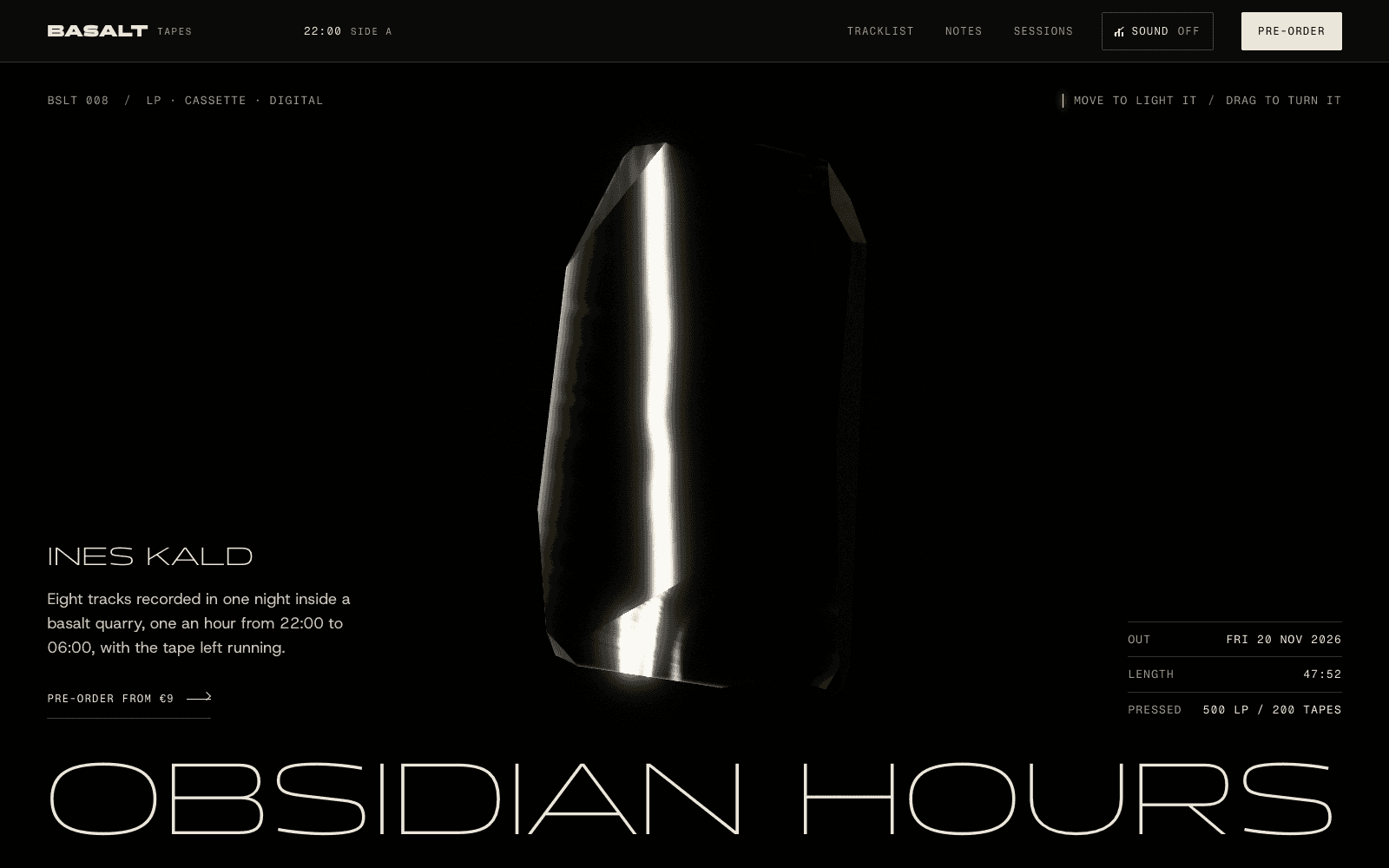
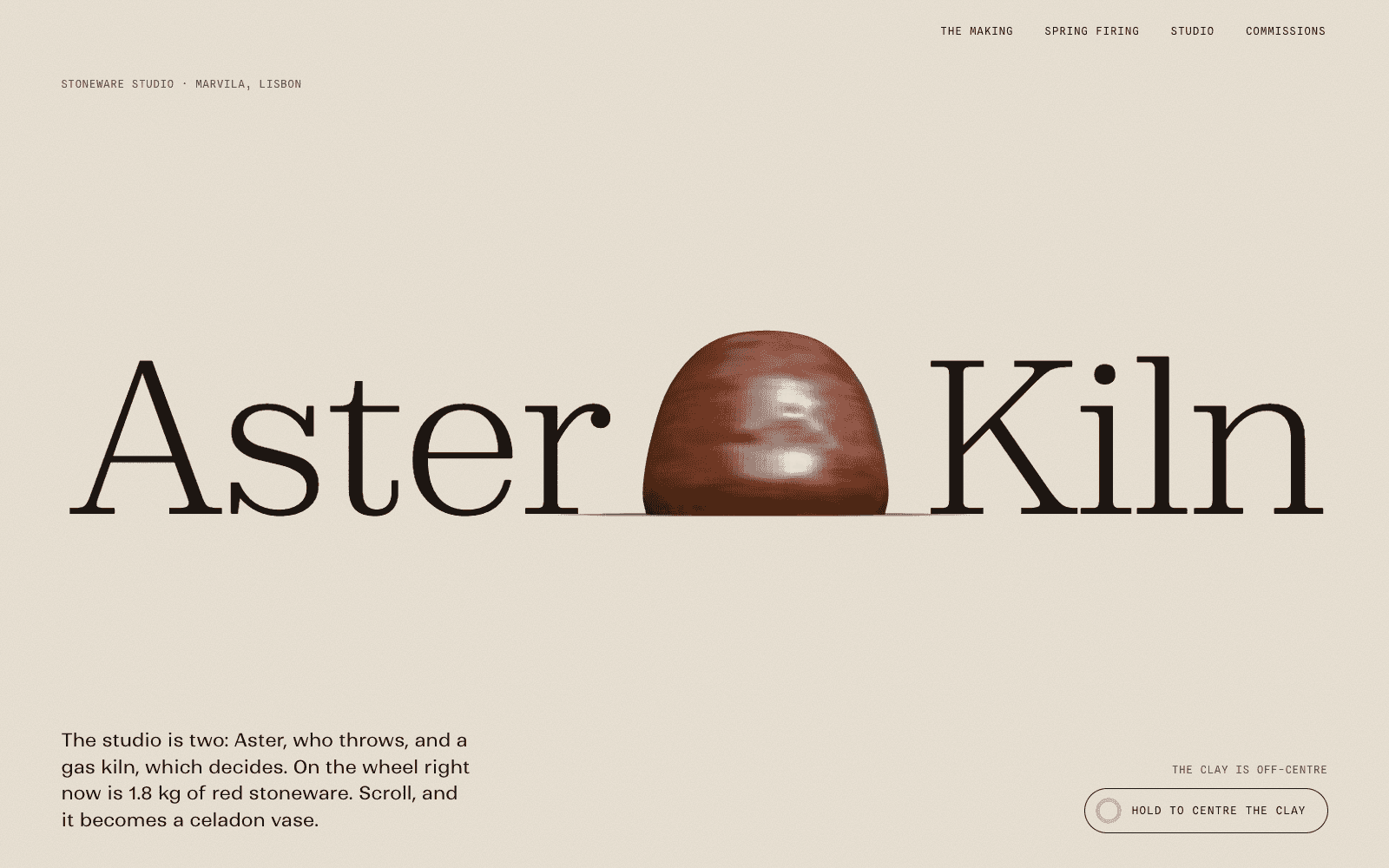
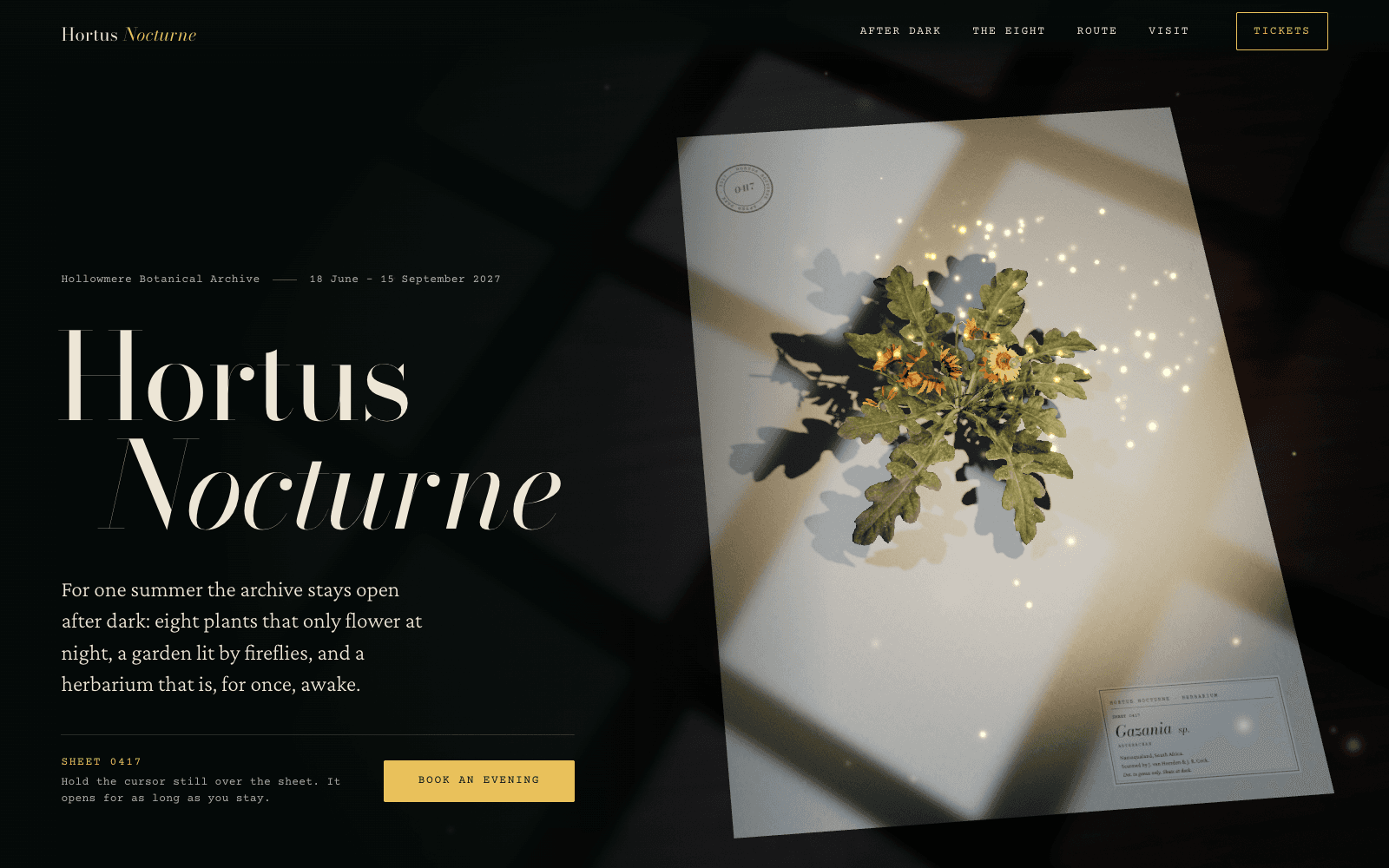
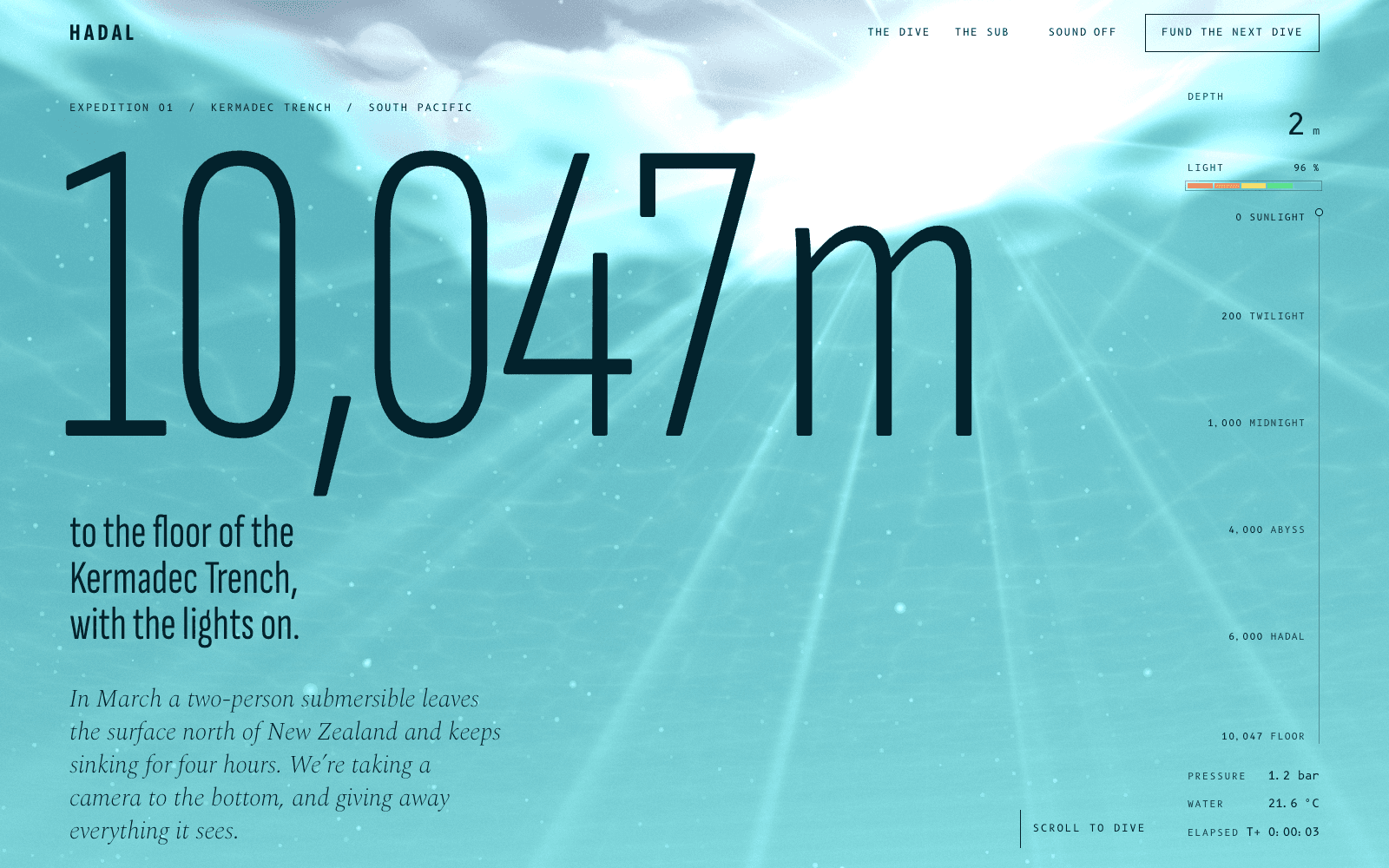
In Laarpi, the 3D is part of the brief. The brief says what the centrepiece is, how it answers scroll and cursor, and why the story needs it. SI writes the scene in three.js, lights it with open-source HDR environments, uses real open-source models for real objects (and credits them), caps rendering resolution on phones, pauses it when it is off screen and ships a composed still version for visitors who turn motion off.

PATCH-01 is a concept launch page for an invented synth module: the 3D module turns, patches, comes apart along its screws and makes sound. Like every site in the showcase, it was made by the Laarpi team with Laarpi's library and process, with people steering every step, not produced end to end by SI. Its write-up covers how the scene was built and how fast it loads on a throttled phone.
More on the approach in the 3D website builder and our guide on how to build a 3D website.
Bringing an existing site
This is a clear Framer strength today. Framer's agent recreates pages, structure and CMS content in Framer from a live site, an export or a reference, including sites on WordPress and Webflow.
Laarpi has no importer, and SI can't open a web address. To rebuild a site in Laarpi, paste the copy you want to keep, attach screenshots or images as references, and describe what should stay and what should change. SI designs a new site from that material rather than copying the old layout. Attaching documents, logos and photos that SI places on the site is in development.
Code and hosting
Framer's help centre is direct: "Framer does not offer HTML export for self-hosting." It explains that published sites rely on platform services for pre-rendering, image optimisation, font subsetting and server rendering, so they can't be exported as standalone files. If owning a portable copy of the site matters to you, read that article before you start.
A Laarpi site is a set of plain files: semantic HTML with the copy in the page, CSS, and JavaScript modules, with libraries such as three.js and GSAP loaded from pinned CDN versions through an import map. There is no build step between the files and the site. You can read and edit the code beside the preview in the studio, and every edit becomes a version. Downloading the code is planned and not available yet, so today a Laarpi site is hosted by Laarpi.
Both host your site. Framer gives a Framer domain on its free plan and a custom domain on paid site plans. Laarpi publishes to a laarpi.site address, with a small "Made with Laarpi" mark on the free plan, and your own domain on paid plans: you add the DNS records the studio shows you. See custom domains.
Backend: CMS, forms, sign-in and payments
Framer's plans are built around content: CMS collections on every plan, page and CMS-item limits, bandwidth, staging and redirects on Pro, plus paid seats for designers and content editors. User accounts and checkout are not listed as plan features, so they come from plugins, embeds or custom code.
Laarpi has no CMS: you change content by asking SI. It does connect a working backend on accounts you own:
- Supabase for sign-in and forms, set up in your own Supabase project.
- Polar for checkout, set up in your own Polar account and wired to the buttons on your site. Polar suits digital goods: memberships, downloads and subscriptions.
The data and the customers stay in your accounts. More on the website backend and website payments.
Pricing, side by side
Framer prices per site, plus paid seats. Laarpi prices per account, with credits that pay for SI's work. Framer prices below are its yearly-billing rates as shown on 6 October 2026. Laarpi's prices show in your currency.
| Framer | Laarpi | |
|---|---|---|
| Free | $0: a Framer domain, 1 GB bandwidth, 500 AI credits to try | $0: 30 credits a month, up to 3 projects, a laarpi.site address with a small mark |
| Entry paid plan | Basic, $10 a month per site: custom domain, 30 pages, 1,000 CMS items, 50 GB bandwidth | Pro, $25 a month or $20 billed yearly: 250 credits a month, 3 custom domains |
| Larger plan | Pro, $30 a month per site: 150 pages, 2,500 CMS items, 100 GB bandwidth, staging, redirects | Max, $100 a month: 1,200 credits a month, 10 custom domains |
| People | Designer or editor seats $20 each, content editors $10 each, viewers free | Business, $50 a seat a month: 600 credits per seat, 25 custom domains |
| AI usage | 1,000 agent credits a month on Basic and 3,000 on Pro, per Framer's pricing page | Credits metered by what each SI turn costs |
Which costs less depends on the shape of your work. One small site with a custom domain costs less on Framer. Several sites, or a lot of building and rebuilding, can tip the other way. Laarpi's plans and credits are on the pricing page.
Startups: what the segment uses
Framer runs a startup programme: accepted startups get a free year of Framer Pro, which Framer values at $360. Check eligibility on its startups page.
We also looked at what early-stage companies actually build their homepages with. On 5 October 2026 we took every company in Y Combinator's Summer 2026 batch from the public YC directory mirror and identified the site builder behind each reachable homepage from its HTML. Of 230 reachable homepages, 10 (4%) ran on Framer and 206 (90%) ran on code frameworks or custom builds, 111 of them (48%) on Next.js. It is one batch on one day, and it says nothing about quality. It does say that most of these teams ship code, which is worth knowing before you choose a hosted canvas or a code-based site.
For a launch page with one strong product moment, see our notes on SaaS landing pages.
Choose Framer if
- You want to design by hand. The canvas gives direct control of every element and breakpoint.
- A content team will publish every week. CMS collections, editor seats, staging and redirects are built for that.
- You are moving an existing site. Framer's agent recreates pages and CMS content from a live site.
- Developers will work on the site from their own tools, through external agents such as Claude, Cursor and Codex connected to the project.
- You are already fluent in Framer. Its templates, plugins and community are worth something, and switching has a cost.
Choose Laarpi if
- You would rather direct than draw. You describe the site, edit the brief and steer in plain words or by pointing.
- The idea calls for real-time 3D or motion planned into the concept, with phone limits and a still version for reduced motion.
- You need sign-in, forms or checkout on your own Supabase and Polar accounts.
- You want plain files you can read and edit in the studio (with download planned, not yet available).
Laarpi is in private beta. For a portfolio, see how we approach portfolio websites; for other tools, the compare hub has Laarpi next to Webflow, Wix, Squarespace, Lovable, Bolt and v0.
Sources
Checked October 2026. Plans and features change; the linked pages are the authority.