Vibe coding a website
Vibe coding for websites: describe the idea, answer the few questions that matter, watch the site take shape, direct it in plain words, and publish it. What a session involves and what gets checked.

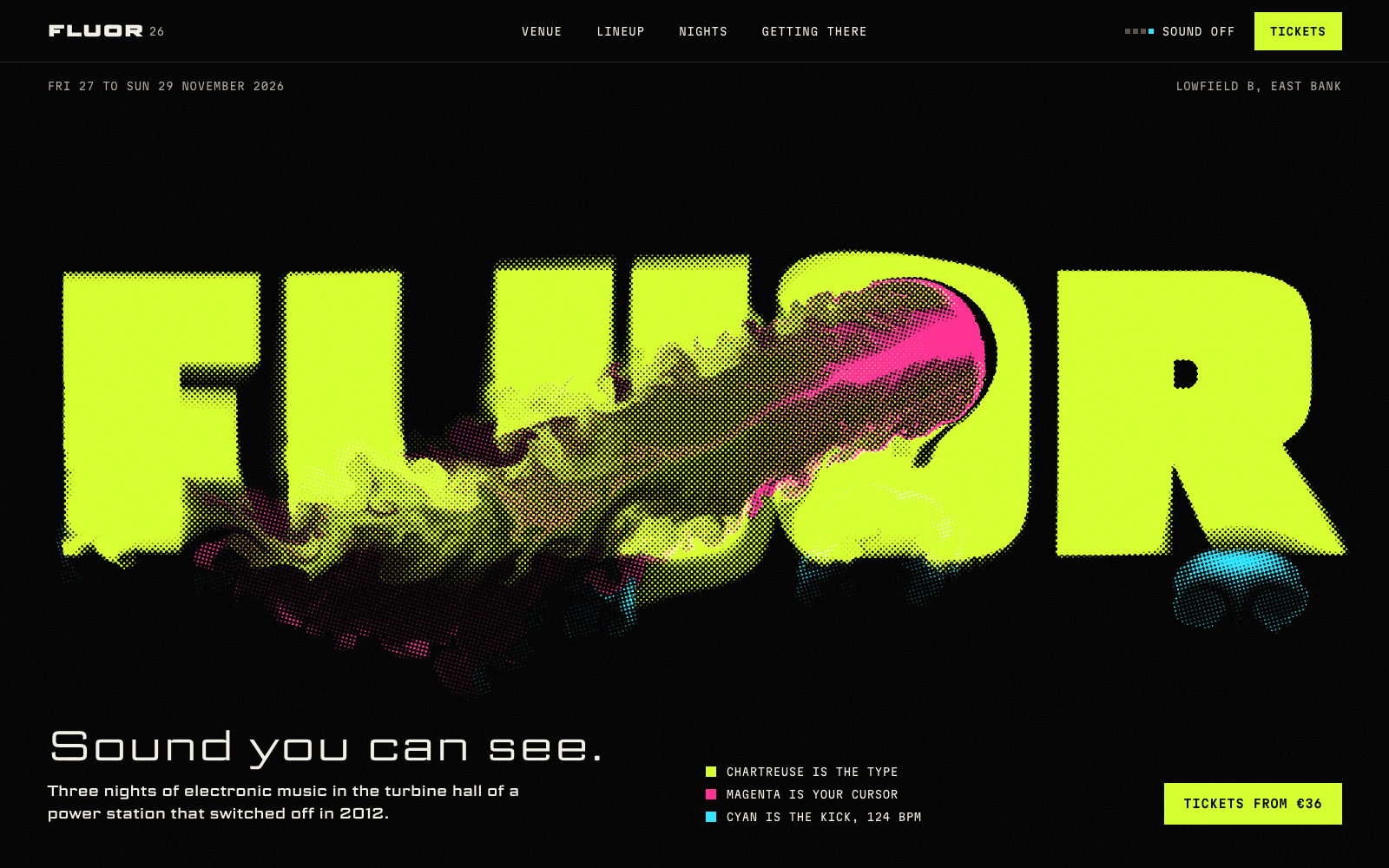
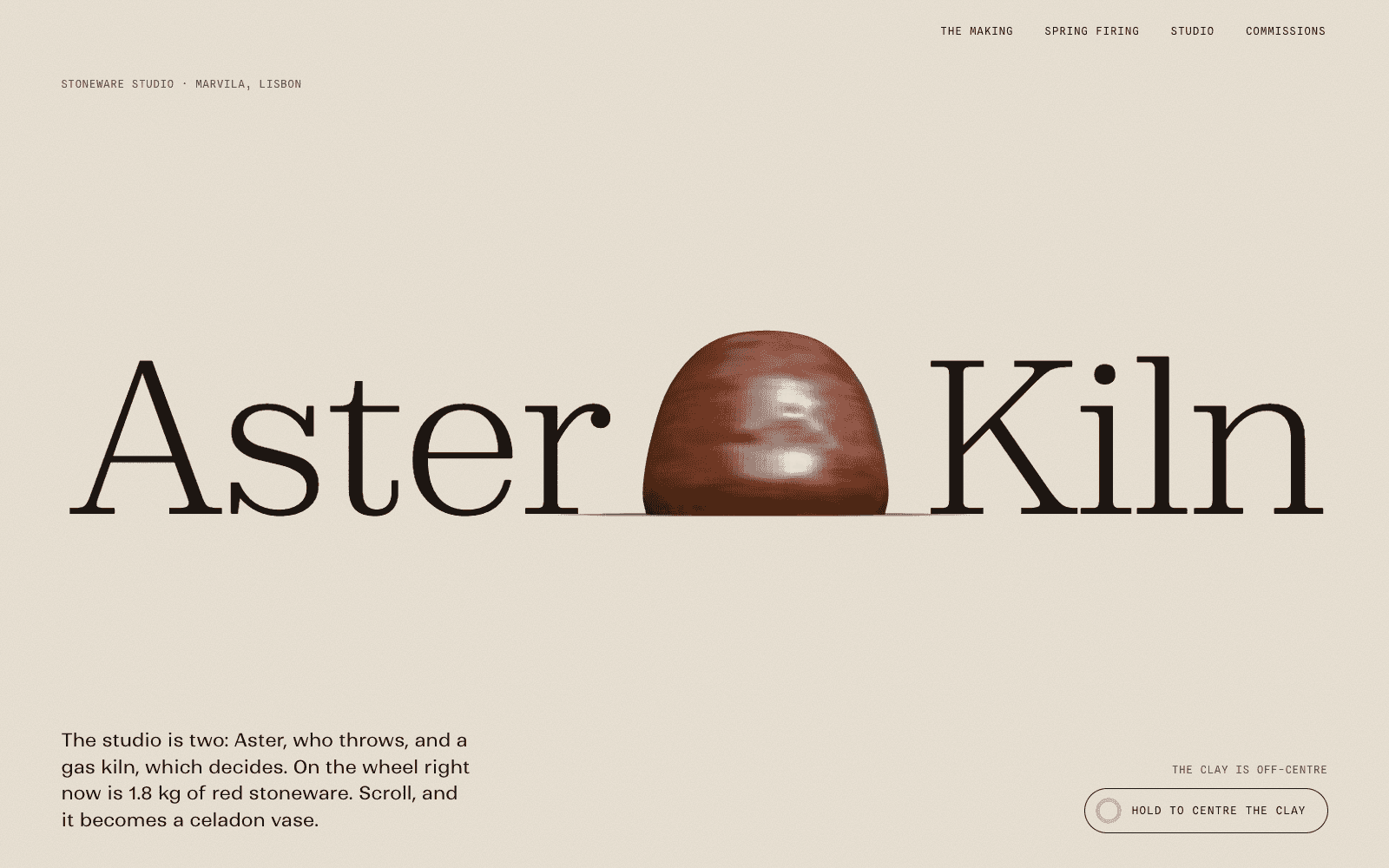
Vibe coding a website means describing what you want, in your own words, and letting an agent write the code while you judge the result by looking at it. You steer by saying what feels wrong rather than editing files. For an app, that loop is about features. For a website, it is mostly about design: the idea, the type, the colour, the layout and the motion.
Laarpi is built for that second kind. Its agent, SI, is automated software that asks the few questions that matter, writes a brief, designs and builds the site in front of you, checks its own work, and publishes it. If you are comparing tools in this space more broadly, the AI website builder page covers the wider category.
What a session involves
A session happens in one chat beside a live preview. This is what you see, in order.
- Your idea. A sentence or a page. "A site for my glassblowing studio. Make the glass feel hot." Attached images can serve as references for the look.
- Questions as cards. SI asks between zero and four questions written for this idea, each with two to five genuinely different options. Colour options show real swatches, type options show real specimens. You can leave any of them to SI, and a specific first message skips them.
- The brief. A card in the chat, set in the site's own palette and display face: the idea and its metaphor, the story beat by beat, type with reasons, every colour as a hex value, the layout and motion grammar, the 3D centrepiece if there is one. You can change any line.
- The build. The preview updates as files are written. SI explains each key decision in a line or two as it makes it, such as why a serif sits against a mono, rather than generic progress messages.
- The looks. SI renders the site in a headless browser and reads the screenshots. On a Finish, you also see the art director's review: eight scores and the fixes that come next.
- Your direction. Plain words, or a click on the element you mean.
- Publish. A laarpi.site address, or your own domain on paid plans.
You pick a Draft or a Finish before a run. A Draft is a fast version to react to. A Finish keeps revising until every quality check passes and every review score reaches 8 of 10, or until the run's cap. How Laarpi works covers each step in detail.
We will publish recorded, unedited sessions alongside the first sites SI builds in the private beta, with build time and cost from our logs.
What a website agent does that an app builder doesn't
General app builders are strongest at accounts, data, dashboards and logic. A website is judged in the first few seconds, by how it looks and moves. The work is different:
| A general app builder | A website agent like Laarpi | |
|---|---|---|
| First questions | Features, users, data | The idea, the audience, the feeling, the one moment people should remember |
| Design | A component library and a theme | Type, palette, layout and motion chosen for this idea; three concepts weighed privately before one is picked |
| Content structure | Screens and flows | A story told beat by beat down the page |
| Motion and 3D | Usually transitions | Scroll stories, interaction and real-time 3D when the idea calls for it |
| Search | Depends on the framework | Static HTML with every word in the page, titles and descriptions written per page |
| Backend | Its own hosted backend | Your own Supabase and Polar accounts, connected |
Neither is better in general. If you are building a product with logins and dashboards, an app builder is the right tool; our dated comparisons with Lovable and Bolt say where each is stronger.
The checks between you and a generic site
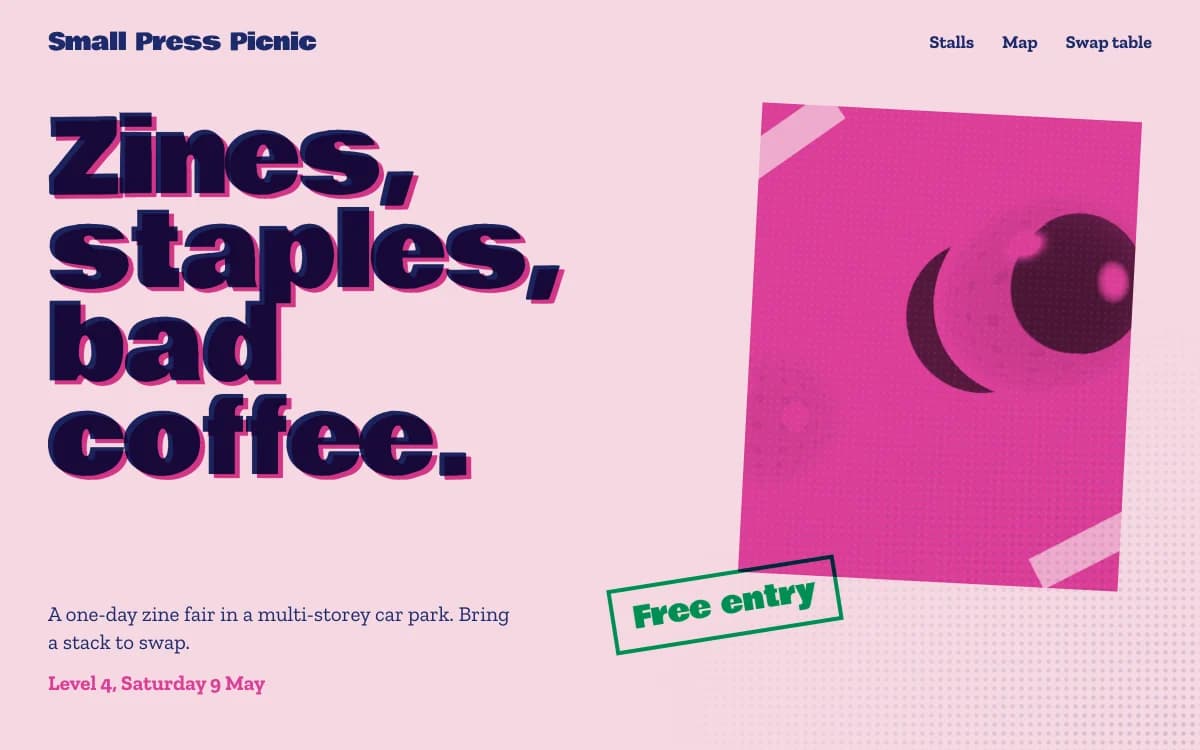
Models fall back on the same few looks: a cream ground chosen by habit, giant condensed type on black, an italic accent word in every headline, a centred hero with two buttons. Laarpi tells SI to avoid them unless the concept truly needs one, and then checks the output:
- A lint flags default fonts and colours, hype copy, emoji used as icons, missing alt text and skipped headings.
- Layout checks at 1920, 1440, 1280, 1024, 768 and 390 pixels catch text on text, overflow, headline words split across lines, small tap targets and low contrast.
- A facts check stops SI from putting a price, date, number or quote on your site that isn't in your messages or material.
- On a Finish, accessibility (WCAG 2.2 AA and a keyboard path), reduced motion, a phone load on emulated 4G and the page's text without JavaScript are checked too, and an art director that didn't build the site scores it.
Type is where generic sites show first. Choosing fonts that aren't Inter explains what to ask for instead.
How to direct it well
Vibe coding rewards specific direction. What works:
- Name the place and the change. "The hero on mobile: put the headline above the object and let it run full width" beats "make mobile better".
- Point when words are awkward. Switch on pick mode, click the element, and describe the change. Only that element is edited.
- Describe the feeling, then the fix. "The about section feels like a brochure. Cut it to three sentences and set them large."
- One change of direction at a time. If you want a new palette and a new structure, ask for the structure first; the palette depends on it.
- Go back when a turn misses. Every change is a version, so you can return to the last good one and try a different instruction.
When vibe coding is the wrong tool
- A large site many people edit daily, like a newsroom or a documentation portal. You need a CMS with roles and publishing workflows.
- A web app with complex logic, such as a marketplace or a dashboard. Use an app builder or a development team.
- A pixel-exact build of a finished design file. If every spacing value is already decided, a developer working from the file is more direct.
- When you need the code on your own servers today. Downloading a site's code is planned and hasn't shipped.
Price and plans
Every run shows an estimated range of minutes and credits before it starts, plus a cap: you are never charged more than the cap, and a failed run is free. Free is $0 a month and includes Drafts on a laarpi.site address. Pro is $25 a month and adds the Finish and custom domains. The pricing page lists credits per plan.